Finding the right SEO tool is not just about checking keyword volume or tracking rankings. A blogger may need to discover low-competition keywords, while an SEO professional may want to compare competitors’ backlink profiles, analyse content gaps or identify technical issues across hundreds of URLs. Using a tool that does not match your requirements can lead to unnecessary expenses and data you may never use.
In this guide, we compare the 10 best SEO tools in 2026, including Semrush, Ahrefs, Surfer SEO, Google Search Console and other popular platforms. You will find their key features, advantages, limitations and pricing plans, along with the type of users each tool suits best. This will help you decide whether you need an all-in-one SEO platform, a specialised research tool or a free solution for managing your website.
What Is An SEO Tool?
SEO tool is a software applications that help website owners analyse, manage and improve their visibility in search engine results. They collect and organise data about keywords, search performance, backlinks, competitors and website health, making it easier to identify optimisation opportunities.
For example, a keyword research tool can show which search terms people use when looking for information about a topic. A backlink analysis tool can reveal which websites link to your competitors, while a technical SEO crawler can identify broken links, duplicate page elements and redirect errors.
SEO tool generally support these important activities:
- Keyword Research: Discover relevant search terms, evaluate keyword difficulty and understand search intent before creating content.
- Competitor Analysis: Examine competing websites, their ranking keywords, organic traffic estimates and backlink sources.
- Content Optimisation: Improve article structure, topic coverage, keyword placement and relevance to the search query.
- Backlink Analysis: Review referring domains, identify link-building opportunities and monitor your website’s backlink profile.
- Technical SEO Audits: Find crawling issues, broken links, missing metadata, redirects and other technical problems.
- Performance Tracking: Monitor keyword positions, search clicks, impressions and changes in organic search performance.
What To Consider Before Choosing SEO Tool?
An SEO platform should solve the problems you regularly face while managing a website. Before selecting one, compare its research capabilities, reporting features and pricing with the actual work you need to complete.
Keyword Research Capabilities
A useful keyword research tool should help you discover search terms that match your website’s subject and audience. Look for metrics such as search volume, keyword difficulty, search intent and related keyword suggestions to evaluate whether a topic is worth targeting.
Competitor Analysis
Competitor analysis helps you understand why other websites appear for the search terms you want to target. Check whether the tool can reveal their ranking keywords, top-performing pages, estimated organic traffic and backlink sources so you can identify content gaps and realistic opportunities.
Content Optimisation
For websites that publish articles regularly, content optimisation features can help identify missing subtopics, relevant search terms and weak sections. Choose a tool that evaluates topic coverage and page structure without encouraging unnatural keyword repetition or unnecessary content expansion.
Technical SEO Auditing
A technical SEO tool should crawl website pages and report problems such as broken links, redirect chains, duplicate titles, missing descriptions and indexing-related issues. If you manage a large website, also check its crawl limits, JavaScript rendering and export options.
Backlink Analysis
Backlink research is important when you want to understand your website’s authority signals and competitors’ link-building strategies. Look for information about referring domains, link types, new and lost backlinks, and the pages attracting links.
Pricing and Usage Limits
Compare the number of projects, keyword reports, tracked positions, crawl limits and other restrictions included in each subscription. A low starting price may not provide enough data for your workload, so review the plan details before purchasing.
Ease of Use and Workflow
Consider whether the platform makes its reports easy to understand and whether it fits your existing content or SEO process. Beginners may prefer straightforward dashboards, while agencies may need exports, integrations, project management and reporting features.
Comparison Table Of The Best SEO Tools
| Tool | Primary SEO Function | Standout Capabilities | Best For | Starting Price |
| Semrush | All-in-one SEO research | Keyword analytics, competitor research, backlink analysis and site audits | SEO professionals and agencies | $139.95/month |
| Ahrefs | Backlink and competitor research | Site Explorer, Keywords Explorer, Content Explorer and backlink reports | Link building and competitor analysis | $129/month |
| Surfer SEO | Content optimisation | Content Editor, Content Score, SERP analysis and content audits | Bloggers and content teams | $99/month |
| Google Search Console | Google search performance monitoring | Clicks, impressions, search queries, URL inspection and indexing reports | Website owners and bloggers | Free |
| Screaming Frog | Technical SEO crawling | Broken links, metadata checks, redirects and duplicate content analysis | Technical SEO professionals | £199/year |
| Ubersuggest | Keyword and website research | Keyword ideas, traffic estimates, backlink analysis and site audits | Bloggers and small businesses | ₹1,135/month |
| Mangools | Keyword and SERP research | KWFinder, SERPChecker, SERPWatcher and LinkMiner | Beginners and freelancers | $30.50/month |
| Rank Math | WordPress SEO management | On-page analysis, schema markup, XML sitemaps and redirects | WordPress website owners | €4.99/month |
| Yoast SEO | WordPress SEO and readability | SEO analysis, readability checks, schema and sitemap generation | Bloggers and WordPress publishers | $9.90/month |
| AnswerThePublic | Search question and content research | Question-based keywords, search suggestions and content ideas | Content writers and bloggers | $10/month |
List Of 10 Best SEO Tools In 2026
1. Semrush – Best All-in-One SEO Tool

- Official Website: https://www.semrush.com/
- Best For: Keyword research, competitor analysis, backlink monitoring and complete SEO campaign management.
Managing keyword research, competitor tracking and website audits through separate platforms can make SEO work difficult to organise. Semrush brings these activities together in one platform. Its Keyword Overview and Keyword Magic Tool help users research search terms, while Domain Overview and Organic Research provide insights into competing websites. The platform also includes backlink analysis, position tracking and technical site audits, making it suitable for marketers who handle multiple SEO activities.
Key Features:
- Keyword Research: Discover keyword ideas and analyse search volume, keyword difficulty, search intent and competition.
- Competitor Analysis: Examine competitor websites, organic keywords, estimated traffic and top-performing pages.
- Backlink Analytics: Review referring domains, backlink profiles and potential link-building opportunities.
- Site Audit and Position Tracking: Identify technical SEO issues and monitor keyword rankings over time.
Pros:
- Combines several SEO research and management tools in one platform.
- Provides detailed keyword and competitor analysis.
- Includes backlink monitoring and technical website audits.
- Supports keyword tracking and campaign reporting.
Cons:
- Paid subscriptions can be expensive for individual bloggers.
- The number of features may take time to understand.
- Usage limits and advanced features depend on the selected plan.
- Smaller websites may not need its complete range of tools.
Pricing:
- Limited free plan
- Pro – $139.95/month
- Guru – $249.95/month
- Business – Custom pricing
2. Ahrefs – Best for Backlinks and Competitor Research

- Official Website: https://ahrefs.com/
- Best For: Backlink analysis, competitor keyword research and identifying link-building opportunities.
Understanding where competitors receive their backlinks can help reveal opportunities for your own website. Among popular SEO tools, Ahrefs is particularly known for its backlink research capabilities, with Site Explorer providing information about referring domains, backlinks and organic search performance. Keywords Explorer helps evaluate search terms, while Content Explorer can uncover popular content around a topic. Its Site Audit and Rank Tracker features also support website analysis and keyword monitoring.
Key Features:
- Site Explorer: Analyse website backlinks, referring domains, organic keywords and competing pages.
- Keywords Explorer: Discover keyword ideas and review search volume, keyword difficulty and related search terms.
- Content Explorer: Find published content on specific topics and examine its SEO and backlink performance.
- Site Audit and Rank Tracker: Identify website SEO issues and monitor keyword rankings.
Pros:
- Provides detailed backlink and referring domain information.
- Helps research competitor websites and ranking keywords.
- Includes content discovery and website auditing tools.
- Offers Ahrefs Webmaster Tools for verified website owners.
Cons:
- Paid subscriptions may be expensive for individual bloggers.
- Usage limits vary across subscription plans.
- New users may need time to understand its reports.
- Competitor traffic figures are estimates rather than exact analytics data.
Pricing:
- Limited free plan
- Lite – $129/month
- Standard – $249/month
- Advanced – $449/month
3. Surfer SEO – Best for Content Optimisation
- Official Website: https://surferseo.com/
- Best For: Optimising blog articles, improving topic coverage and analysing competing content.
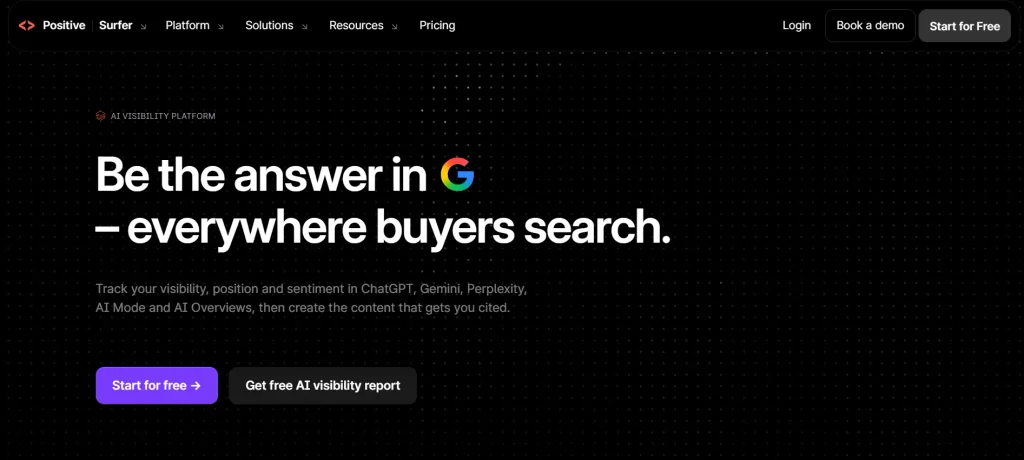
Writers often complete an article only to discover that it does not cover important aspects of the topic. Surfer SEO helps address this problem through its Content Editor, which analyses competing pages and provides recommendations for keywords, headings and topic coverage. Its Content Score offers an additional way to review optimisation, while the Content Audit helps identify improvement opportunities in existing articles. These features make it useful for bloggers and content teams that regularly create or update SEO-focused pages.
Key Features:
- Content Editor: Prepare and optimise articles with keyword and topic recommendations.
- Content Score: Review how well a page covers relevant terms and follows suggested content recommendations.
- SERP Analysis: Study competing pages to understand their content structure and topic coverage.
- Content Audit: Review existing pages and identify opportunities to update and improve their content.
Pros:
- Helps writers organise and optimise SEO content.
- Provides topic and keyword recommendations.
- Useful for updating existing blog articles.
- Supports content teams with regular publishing schedules.
Cons:
- Focuses mainly on content rather than complete SEO management.
- Recommendations may require manual judgement.
- Paid plans may not suit occasional bloggers.
- Following content scores too closely can make writing repetitive.
Pricing:
- AI Search Analytics – $82/month
- Standard – $99/month
- Pro – $182/month
- Peace of Mind – $299/month
Also read:
4. Google Search Console – Best Free SEO Tool
- Official Website: https://search.google.com/search-console/
- Best For: Monitoring Google Search performance, indexing status and search visibility.
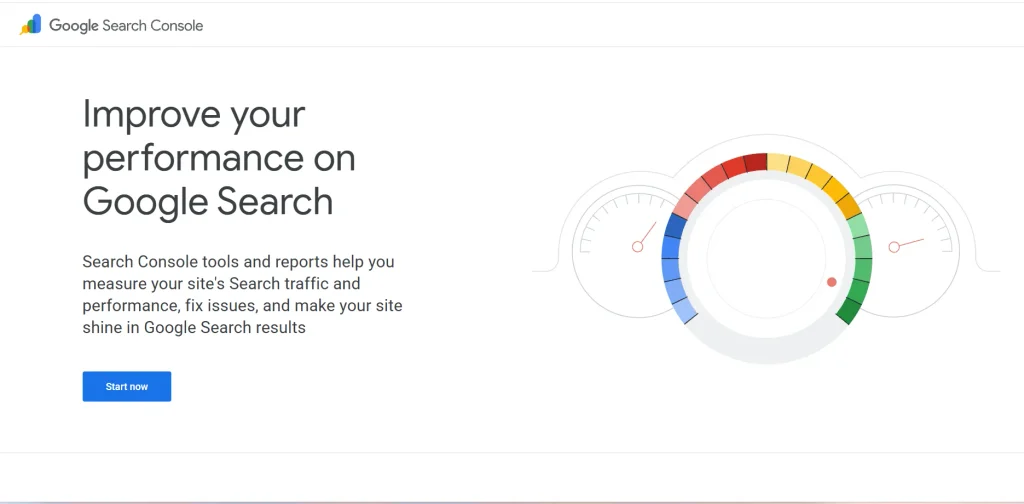
When a website receives impressions but few clicks, its search performance data can help explain where improvement may be needed. Google Search Console provides information about clicks, impressions, average positions and the queries that bring users to a website. Website owners can inspect individual URLs, submit sitemaps and review indexing reports. Its data is especially useful for identifying pages that appear in Google Search but may need better titles, descriptions or content alignment.
Key Features:
- Performance Reports: Track clicks, impressions, average click-through rate and average search position.
- Search Query Analysis: Find the queries through which users discover your website.
- URL Inspection: Check the indexing status of individual URLs and view information about Google’s crawling.
- Indexing and Experience Reports: Review sitemap information, indexing issues and available Core Web Vitals reports.
Pros:
- Completely free to use.
- Provides performance information directly from Google Search.
- Helps identify indexing and crawling problems.
- Shows which queries and pages generate search traffic.
Cons:
- Provides data only for Google Search.
- Does not offer comprehensive competitor analysis.
- Historical performance data is limited.
- Some reports require technical understanding to interpret.
Pricing:
- Free to use.
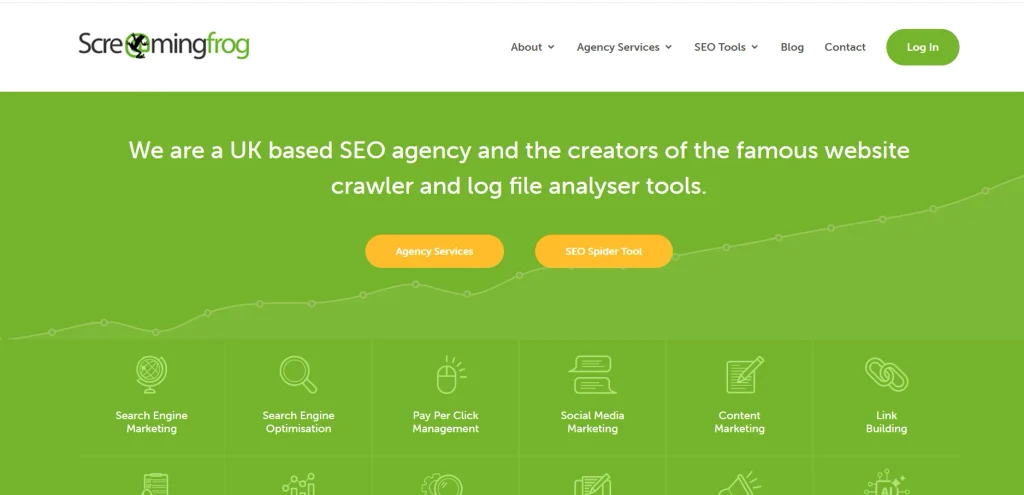
5. Screaming Frog – Best for Technical SEO Audits
- Official Website: https://www.screamingfrog.co.uk/seo-spider/
- Best For: Website crawling, identifying technical SEO errors and auditing large websites.
A website with hundreds of pages can contain SEO problems that are difficult to find through manual checks. Screaming Frog SEO Spider is one of the most useful SEO tools for technical website audits. It crawls website URLs and collects information about page titles, meta descriptions, headings, status codes and internal links. It can identify broken links, redirect chains, duplicate page elements and other issues that require attention during a technical audit. SEO professionals can also export crawl data and use integrations to investigate website problems in greater detail.
Key Features:
- Website Crawling: Scan website URLs and collect important on-page SEO information.
- Broken Link Detection: Find broken links, server errors and redirect issues.
- Metadata Analysis: Review page titles, meta descriptions, headings and other page elements.
- Technical SEO Reports: Identify duplicate content elements and generate reports for further analysis.
Pros:
- Useful for detailed technical website audits.
- Helps identify broken links and redirect problems.
- Collects SEO information from multiple URLs.
- Offers integrations and reporting options for advanced analysis.
Cons:
- The desktop interface may take time to understand.
- Large website crawls can require more system resources.
- Beginners may find technical reports difficult to interpret.
- Advanced crawling features require a paid licence.
Pricing:
- Free Version – Free (up to 500 URLs)
- Paid Licence – £199/year
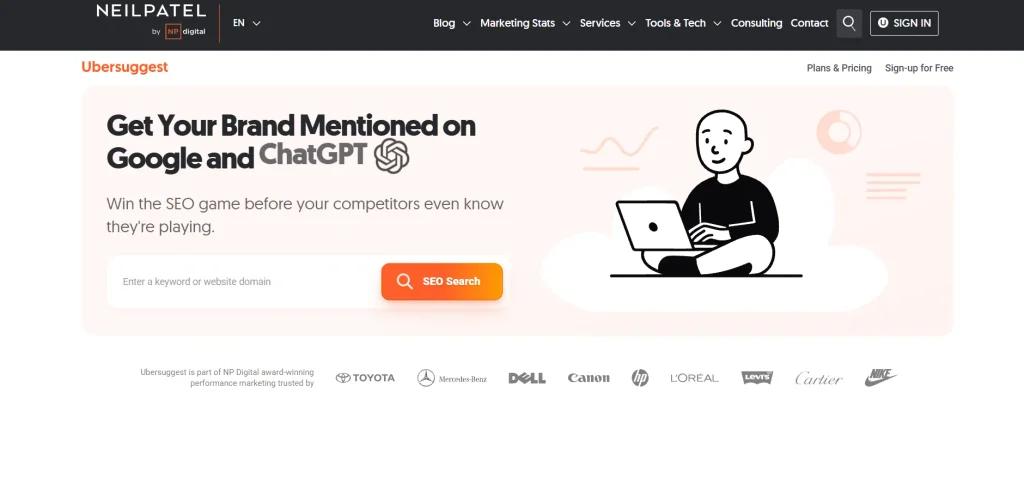
6. Ubersuggest – Best Budget SEO Tool
- Official Website: https://ubersuggest.com/
- Best For: Keyword research, competitor traffic analysis and basic website SEO checks.
For bloggers and small businesses working with limited SEO budgets, Ubersuggest provides several research features in one platform. Its keyword research tools suggest related search terms and display metrics such as search volume and keyword difficulty. Users can also explore estimated competitor traffic, review backlink profiles and run website audits. This combination makes it useful for finding content opportunities and checking common SEO issues without immediately investing in a higher-priced professional platform.
Key Features:
- Keyword Suggestions: Discover related keywords and review their search volume and difficulty.
- Traffic Analysis: Explore estimated website traffic and identify pages that attract organic visitors.
- Backlink Analysis: Review backlink profiles and referring domains.
- Site Audit and Rank Tracking: Find common SEO issues and monitor keyword positions.
Pros:
- Offers keyword research and website analysis in one platform.
- Provides suggestions for blog topics and content planning.
- Includes competitor and backlink research features.
- Has plans designed for individuals and small businesses.
Cons:
- Data limits vary according to the selected plan.
- Advanced research may be more limited than specialised SEO platforms.
- Traffic figures are estimates, not exact website analytics.
- Some features require a paid subscription.
Pricing:
- Limited free use
- Individual – ₹1,135/month
- Business – ₹1,890/month
- Enterprise – ₹3,785/month
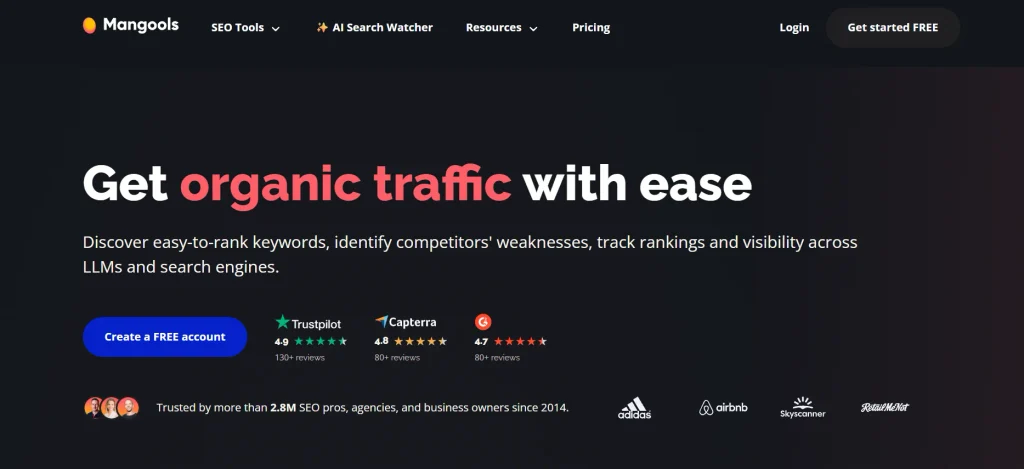
7. Mangools – Best for Beginners
- Official Website: https://mangools.com/
- Best For: Keyword discovery, SERP analysis and straightforward SEO research.
Learning several SEO tool at once can be confusing for someone who is new to website optimisation. Mangools makes the process more approachable through five specialised tools: KWFinder, SERPChecker, SERPWatcher, LinkMiner and SiteProfiler. Each tool handles a different research activity, from discovering keywords to checking search results and monitoring rankings. Its organised interface makes it a practical option for bloggers, freelancers and small website owners who need essential SEO research features.
Key Features:
- KWFinder: Find keyword ideas and review search volume and keyword difficulty.
- SERPChecker: Analyse search engine results and examine websites competing for a keyword.
- SERPWatcher: Monitor keyword ranking changes over time.
- LinkMiner and SiteProfiler: Explore backlinks and review important website SEO metrics.
Pros:
- Offers an easy-to-understand interface.
- Combines several useful SEO research tools.
- KWFinder helps beginners discover relevant keywords.
- Includes rank tracking and backlink analysis.
Cons:
- Does not offer the same depth as larger all-in-one SEO platforms.
- Usage limits depend on the subscription plan.
- Advanced technical SEO features are limited.
- Agencies handling many websites may need more extensive tools.
Pricing:
- Free trial available
- Basic – $30.50/month
- Premium – $40.50/month
- Agency – $70.50/month
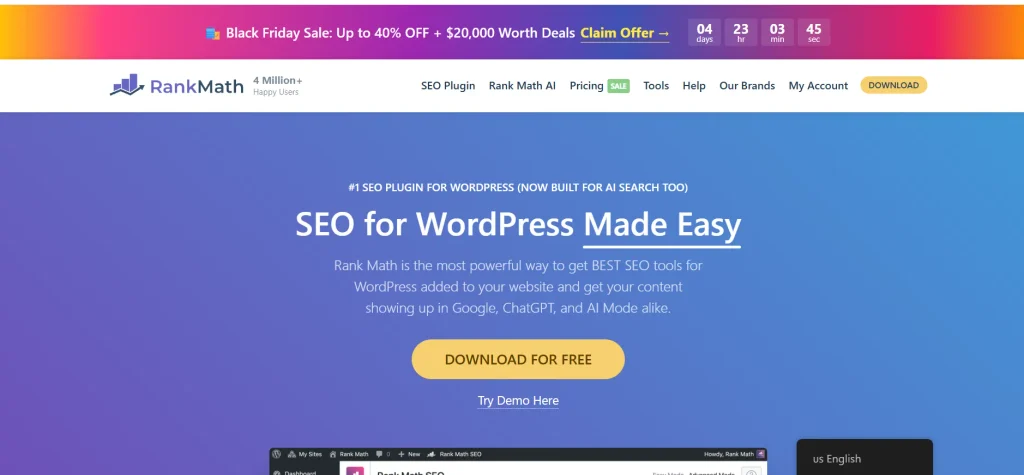
8. Rank Math – Best WordPress SEO Plugin
- Official Website: https://rankmath.com/
- Best For: On-page SEO, schema markup and search optimisation for WordPress websites.
WordPress users often need to manage SEO titles, meta descriptions, sitemaps and structured data while publishing content. Rank Math is one of the popular SEO tools for managing these tasks directly from the WordPress dashboard. It allows website owners to handle important optimisation settings without switching between different platforms. Its content analysis features provide recommendations while editing posts, while additional tools support redirects and SEO monitoring. It is useful for bloggers and website owners who want greater control over their WordPress SEO settings.
Key Features:
- On-Page SEO Analysis: Review SEO titles, meta descriptions, keyword placement and content optimisation suggestions.
- Schema Markup: Add structured data to help search engines understand different types of website content.
- XML Sitemap Management: Generate and manage XML sitemaps for search engine discovery.
- Redirections and SEO Monitoring: Manage redirects and monitor selected website SEO issues.
Pros:
- Offers a free version with useful SEO features.
- Integrates directly into the WordPress dashboard.
- Supports schema markup and XML sitemaps.
- Helps manage on-page SEO settings from one place.
Cons:
- Available features differ between free and paid plans.
- Beginners may need time to configure advanced settings.
- Some features overlap with other WordPress plugins.
- Incorrect configuration can affect how SEO settings are applied.
Pricing:
- Free option available
- Pro – €4.99/month
- Business – €14.99/month
- Agency – €32.99/month
9. Yoast SEO – Best WordPress Plugin for Readability
- Official Website: https://yoast.com/wordpress/plugins/seo/
- Best For: SEO analysis, readability checks and on-page optimisation in WordPress.
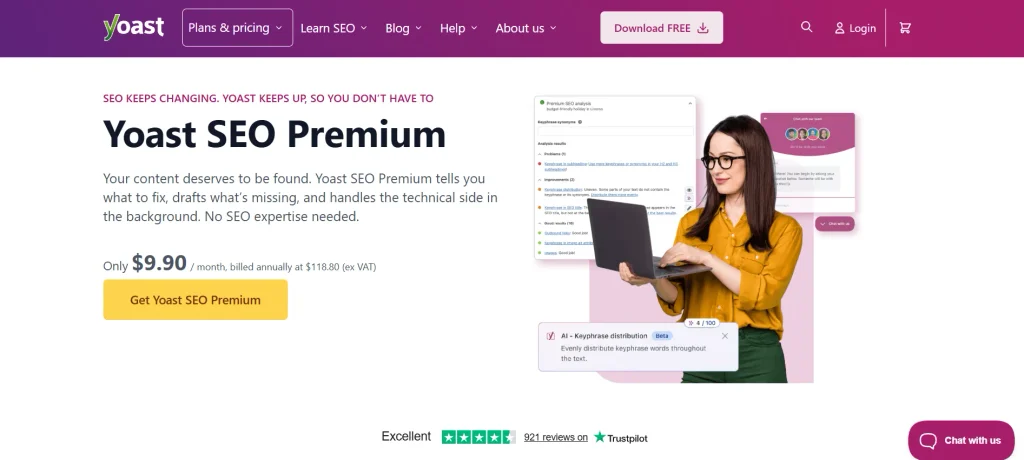
An article can contain relevant information and keywords but still be difficult to read if its paragraphs are too long or its structure is unclear. Yoast SEO helps WordPress writers review these elements through its SEO and readability analysis. It checks aspects such as keyphrase usage, SEO titles, meta descriptions, sentence length, paragraph structure and passive voice. The plugin also supports structured data and XML sitemaps, helping publishers manage essential optimisation settings while preparing content for publication.
Key Features:
- SEO Analysis: Review focus keyphrase usage, title tags, meta descriptions and other optimisation elements.
- Readability Analysis: Check sentence length, paragraph structure, transition words and passive voice.
- Schema Integration: Add structured data to help search engines understand website content.
- XML Sitemap Generation: Helps search engines discover important pages and posts on a website.
Pros:
- Provides useful SEO and readability feedback while writing.
- Offers a free version for basic WordPress optimisation.
- Helps manage titles, meta descriptions and sitemaps.
- Its recommendations are easy for many beginners to understand.
Cons:
- Some advanced features require a Premium subscription.
- SEO recommendations may need manual review.
- It does not replace dedicated keyword research platforms.
- Using multiple SEO plugins together can create configuration conflicts.
Pricing:
- Free option available
- $9.90/month, billed annually at $118.80 (excluding VAT)
10. AnswerThePublic – Best for Content Ideas
- Official Website: https://answerthepublic.com/
- Best For: Discovering audience questions, long-tail keywords and blog topic ideas.
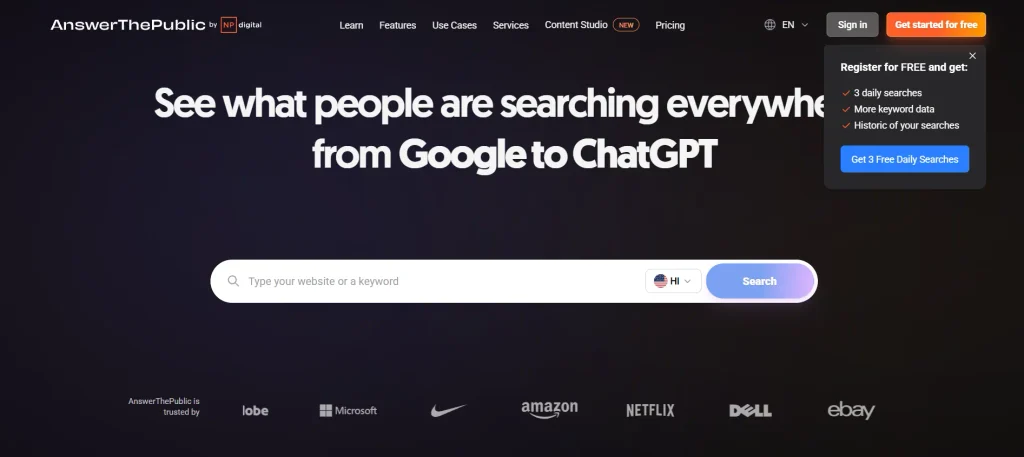
A single broad keyword can represent several different questions that people want answered. AnswerThePublic organises search suggestions around a topic into questions, comparisons and related phrases, helping content writers understand these different search interests. For instance, researching “email marketing” can reveal questions about its benefits, pricing, tools and practical uses. Bloggers can use these findings to plan detailed articles, identify FAQ topics and build content around specific audience searches.
Key Features:
- Question-Based Keyword Research: Discover questions people search for around a particular keyword.
- Search Suggestions: Find related phrases and keyword variations for content planning.
- Content Idea Discovery: Use search questions to plan blog posts, guides and FAQ sections.
- Search Listening and Monitoring: Track selected search topics and review changes in audience interest through available plan features.
Pros:
- Helps generate topic ideas from audience search questions.
- Useful for planning blog headings and FAQ sections.
- Organises keyword suggestions into different search patterns.
- Offers a free option with limited searches.
Cons:
- Does not provide a complete SEO management solution.
- Search suggestions may need additional keyword research.
- Free searches are limited.
- Advanced monitoring features require paid plans.
Pricing:
- Limited number of searches in the free plan
- Starter – $10/month
- Growth – $49/month
- Business – $99/month
How To Choose The Right SEO Tools For Your Needs?
The right SEO platform depends on the website you manage, the type of research you perform and the problems you need to solve. These use cases can help narrow down your options.
For Beginners
If you are learning SEO, start with tools that make keyword research and website performance easier to understand. Google Search Console helps you read actual Google search performance data, while Ubersuggest and Mangools provide accessible ways to explore keyword ideas and competitor information.
For Bloggers and Content Writers
Bloggers need to identify topics that match search demand and create articles that answer specific queries. AnswerThePublic can uncover audience questions, while Surfer SEO helps review topic coverage and content structure; Google Search Console can then show which queries generate impressions and clicks.
For SEO Professionals and Agencies
Professionals handling several websites need more than basic keyword suggestions. Semrush and Ahrefs provide competitor research, backlink analysis and keyword data that can support campaign planning, while their reporting features help organise research across different projects.
For Technical SEO Audits
Websites with many URLs need regular checks for broken links, redirects, duplicate elements and missing metadata. Screaming Frog is particularly useful for crawling pages and exporting technical findings, making it easier to investigate problems across a large website.
For WordPress Website Owners
WordPress publishers often need to manage SEO settings while creating and updating pages. Rank Math provides on-page optimisation, schema and redirect features, while Yoast SEO combines SEO analysis with readability feedback to help review articles before publishing.
According to Your Budget
Your SEO budget should reflect how frequently you use the software and how much data you need. Start with free options if you only monitor a small website, then compare paid plans when you require advanced keyword research, backlink reports, content optimisation or larger website audits.
Final Verdict
Choosing the best SEO tools becomes easier when you compare its features with the tasks you handle regularly. Semrush and Ahrefs provide detailed SEO research, Surfer SEO supports content optimisation, and Screaming Frog helps examine website structure and technical issues. For WordPress users, Rank Math and Yoast SEO simplify on-page SEO without requiring multiple separate tools.
For bloggers and small websites, Google Search Console combined with Ubersuggest or a WordPress SEO plugin can cover many everyday requirements. As your SEO work expands, you can move towards more advanced platforms based on the depth of research and analysis you need.
Frequently Asked Questions
1. What Is The Best Free SEO Tool?
Google Search Console helps identify which search queries bring visitors, which pages get clicks and where indexing problems affect visibility.
2. Which SEO Tool Is Best For Beginners?
Ubersuggest is a practical starting point for finding keyword ideas, checking competitor websites and reviewing basic site SEO without a complicated workflow.
3. Is Ahrefs Better Than Semrush?
Ahrefs is a stronger fit when backlink profiles and link-building opportunities are the main focus. Semrush is more suitable when you also need keyword tracking, competitor research and broader marketing features.
4. Which SEO Tool Is Best For Content Optimisation?
Surfer SEO is useful for improving existing articles and planning new content. Its Content Editor provides recommendations based on pages ranking for the target search query.
5. Do I Need More Than One SEO Tool?
If you only manage a small blog, Google Search Console and one keyword research tool may be enough. Larger websites may need separate tools for backlink analysis, content optimisation and technical crawling.