
A single scan can turn a passing customer into an engaged buyer, making QR codes an increasingly valuable business tool. From digital payments and product information to marketing campaigns and customer feedback, QR code generator helps organizations connect physical experiences with digital convenience.
However, not every generator offers the flexibility, security, and analytical capabilities businesses need. Choosing the right platform requires evaluating customization, dynamic code mana gement, scan tracking, integrations, and pricing rather than simply comparing design options.
This blog explores 10 best QR code generators in 2026, highlighting their features, advantages, limitations, and costs to help businesses identify solutions that support practical requirements and sustainable growth.
Why QR Code Generators Matter For Modern Businesses?
QR codes have transformed how businesses connect physical interactions with digital experiences. From product packaging and restaurant menus to advertisements and payment systems, they provide customers with instant access to information without lengthy searches or complicated navigation.
For modern businesses, QR codes offer more than convenience. They help streamline customer journeys, reduce printed material requirements, support contactless interactions, and connect offline marketing campaigns with measurable digital engagement. Dynamic QR codes further allow businesses to update destinations without replacing existing materials.
However, adopting QR codes without a clear purpose can create unnecessary complexity. Poor placement, unreliable destinations, and limited accessibility can undermine customer trust. Businesses must prioritize usability, security, and measurable outcomes to turn QR codes into meaningful commercial tools rather than decorative marketing additions.
Essential Features That Define An Effective QR Code Generator
An effective QR code generator should offer more than basic code creation. Businesses must assess functionality, flexibility, security, and integration capabilities before selecting a suitable platform.
- Dynamic QR Code Management: Allows businesses to modify destination links after printing, reducing replacement costs and maintaining flexibility across long-term marketing campaigns.
- Customization and Branding: Provides options to incorporate brand colors, logos, shapes, and frames, ensuring QR codes remain visually consistent with promotional materials.
- Scan Analytics and Reporting: Tracks scan frequency, locations, devices, and engagement patterns, helping marketers evaluate campaign effectiveness and make informed optimization decisions.
- Multiple QR Code Formats: Supports URLs, contact details, payments, documents, social media, and other content types to accommodate diverse business communication requirements.
- Security and Access Controls: Offers password protection, encrypted destinations, and access management to safeguard sensitive information and prevent unauthorized use across business campaigns.
- Bulk Generation Capabilities: Enables organizations to create multiple QR codes simultaneously, simplifying large-scale product labeling, inventory identification, and multi-location marketing operations.
- Third-Party Integrations: Connects with CRM systems, marketing platforms, and analytics tools, helping businesses streamline workflows and consolidate campaign performance data.
- Download and Export Options: Supports high-resolution formats such as SVG, PNG, and PDF, ensuring codes remain clear, scannable, and suitable for different printing requirements.
List Of 10 Best QR Code Generators In 2026
1. QR TIGER
- Website: https://www.qrcode-tiger.com/
- Best For: Businesses creating customizable dynamic QR codes for marketing, customer engagement, and campaign tracking.
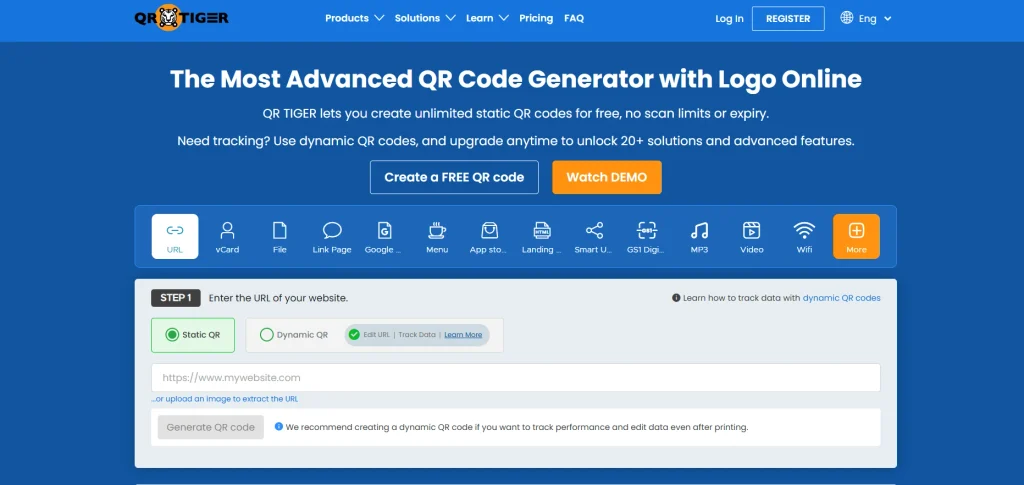
QR TIGER is a versatile QR code generation platform designed to support business marketing and customer engagement initiatives. It allows users to create dynamic QR codes, customize their appearance, and manage multiple campaign requirements.
Businesses can use it for websites, social media, digital menus, contact information, and promotional materials. Its analytics capabilities help marketers understand scanning activity and campaign performance.
The platform also supports bulk QR code creation and various code categories. However, businesses should evaluate subscription limits and dynamic code availability before committing to large-scale campaigns.
Key Features:
- Dynamic QR code generation and editing
- Custom logos, colors, and patterns
- Multiple QR code content categories
- Scan analytics and performance tracking
- Bulk QR code creation capabilities
- Password protection and access controls
Pros:
- Wide selection of QR categories
- Flexible customization for brand identity
- Useful campaign tracking capabilities
- Supports bulk business operations
Cons:
- Advanced features require paid subscriptions
- Free dynamic codes have limitations
- Subscription cancellation can deactivate codes
Pricing:
- Regular– US$7 Month
- Advanced– US$16 Month
- Premium– US$37 Month
2. Uniqode
- Website: https://www.uniqode.com/
- Best For: Large businesses managing branded QR campaigns, customer interactions, and advanced performance analytics.
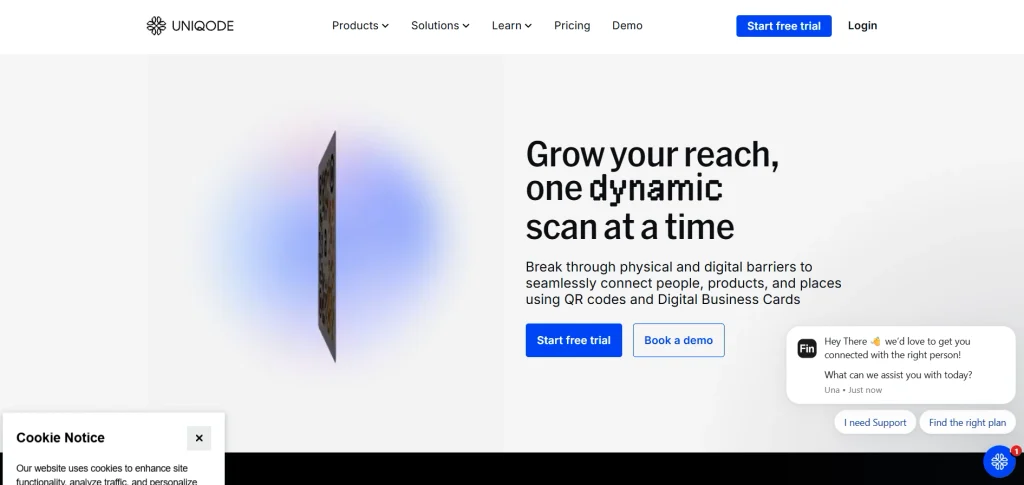
Uniqode is an enterprise-focused QR code management platform that helps businesses connect offline marketing activities with measurable digital engagement. It is one of the QR code generators designed for businesses that need dynamic QR code creation, extensive customization, and analytics for monitoring campaign performance.
Organizations can create branded QR experiences, manage multiple campaigns, and integrate QR activities with existing marketing systems. Its bulk generation capabilities and team collaboration features make it suitable for organizations handling extensive QR deployments.
The platform also emphasizes security and business-level controls. However, its advanced capabilities and pricing structure may exceed the requirements of smaller businesses.
Key Features:
- Dynamic QR code management and editing
- Advanced scan analytics and reporting
- Bulk QR code generation tools
- Custom branding and design options
- Google Analytics and Zapier integrations
- Enterprise security and access management
Pros:
- Comprehensive business analytics capabilities
- Strong enterprise management features
- Extensive customization and integrations
- Supports large-scale QR campaigns
Cons:
- Higher costs for advanced plans
- Annual billing on listed plans
- Limited value for basic users
Pricing:
- ESSENTIAL– $9 USD/month, billed yearly
- CORE– $49 USD/month, billed yearly
- PLUS– $99 USD/month, billed yearly
- BUSINESS+- $399 USD/month, billed yearly
3. QRCode Monkey

- Website: https://www.qrcode-monkey.com/
- Best For: Individuals and small businesses generating free, customized static QR codes for everyday applications.
QRCode Monkey is a free QR code generator that focuses on simplicity, customization, and downloadable code formats. It enables users to create static QR codes for websites, social media profiles, email addresses, contact details, and other digital destinations.
Businesses can personalize codes using different colors, shapes, and logos to maintain visual consistency across promotional materials. Its high-resolution download options make it useful for printing on packaging, brochures, and advertisements.
Since it primarily generates static codes, users cannot change their destinations after creation or access built-in dynamic campaign analytics.
Key Features:
- Free static QR code generation
- Custom colors and logo integration
- Multiple QR code content formats
- High-resolution PNG image downloads
- SVG and PDF export options
- Customizable shapes and design elements
Pros:
- Completely free basic code generation
- No mandatory account registration required
- High-resolution downloads support printing
- Simple interface for beginners
Cons:
- No built-in dynamic QR management
- Limited campaign analytics capabilities
- Destination changes require new codes
Pricing:
- Free
4. Bitly

- Website: https://bitly.com/
- Best For: Marketing teams combining branded QR codes, shortened URLs, and digital campaign performance tracking.
Bitly combines QR code generation with its established link management capabilities, helping businesses organize and measure digital audience engagement. Users can create branded QR codes, customize their appearance, and connect them with shortened URLs.
The platform provides scan and click analytics, making it easier to evaluate marketing performance across different channels. Businesses can also manage redirects, organize campaign links, and create multiple QR codes through higher subscription tiers.
Its integrated approach reduces the need for separate link management tools. However, monthly creation limits and advanced feature restrictions require careful plan selection.
Key Features:
- Branded QR code generation and customization
- Shortened URLs and link management
- QR scan and click analytics
- Redirect management for campaign links
- Bulk QR code creation options
- Custom domains and branding support
Pros:
- Combines QR and link management
- Detailed campaign performance insights
- Recognized platform with business integrations
- Useful branded marketing capabilities
Cons:
- Limited codes on free plan
- Advanced analytics require higher subscriptions
- Annual billing for Core plan
Pricing:
- Growth– $35/month
- Premium– $300/month
Also read:
5. Flowcode
- Website: https://www.flowcode.com/
- Best For: Marketing teams creating visually branded QR experiences for customer acquisition and engagement campaigns.
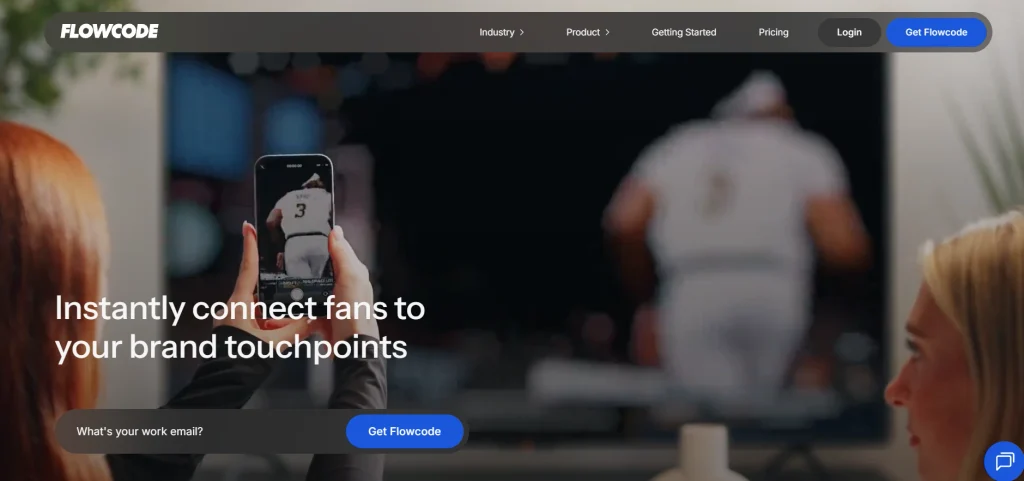
Flowcode is a QR code marketing platform designed to help brands connect physical touchpoints with digital customer experiences. It combines customizable QR codes, mobile landing pages, and campaign analytics within a unified environment. Among modern QR code generators, it stands out for enabling businesses to create branded codes and connect offline interactions with digital marketing campaigns.
Businesses can use its design templates, logo customization, and smart routing capabilities to create recognizable marketing experiences. The platform also supports bulk code generation and integrations that help organizations manage broader campaigns.
Its analytics provide insights into scan activity, audience devices, and engagement patterns. However, advanced campaign management and higher-volume requirements can increase subscription costs.
Key Features:
- Customizable branded QR code designs
- Dynamic QR destination editing capabilities
- Mobile landing page creation tools
- Bulk QR code generation support
- Device and location-based analytics
- Smart routing and redirect options
Pros:
- Strong visual branding capabilities
- Integrated landing page creation tools
- Useful marketing analytics functionality
- Supports large campaign deployments
Cons:
- Advanced features require expensive plans
- Scan tracking limits vary by plan
- Some integrations require higher subscriptions
Pricing:
- Growth– $250 per month / billed annually
- Pro Plus– $60 per month
6. Scanova
- Website: https://scanova.io/
- Best For: Businesses managing dynamic QR campaigns, lead generation, and customer engagement across multiple channels.
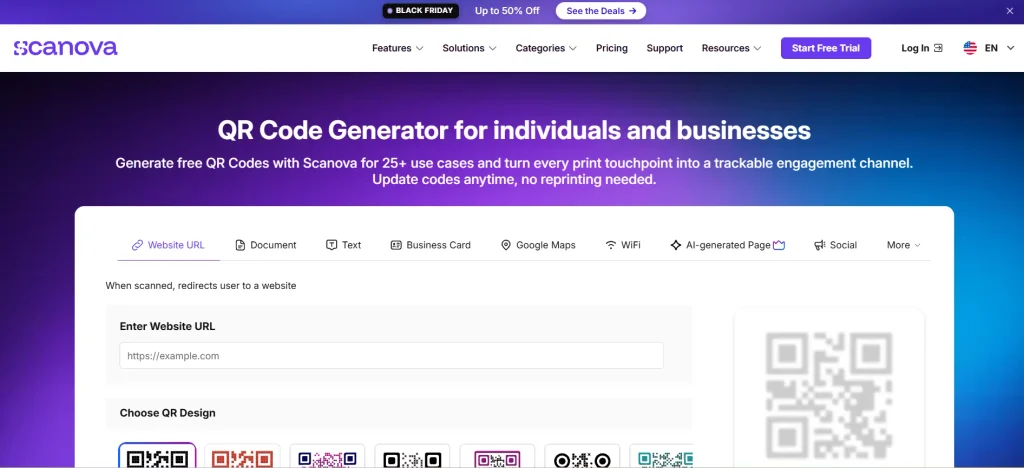
Scanova is a business-oriented QR code generator that supports marketing campaigns, customer engagement, and digital information sharing. It offers multiple QR code categories, including website links, business cards, social media, and landing pages. For SaaS startups, QR campaigns can also be useful when exploring ways to generate leads for a new SaaS with no audience, especially through landing pages, product demos, and promotional campaigns.
Its dynamic QR functionality allows businesses to modify destinations without replacing printed codes, helping reduce campaign maintenance costs. The platform also provides scan analytics, lead generation, password protection, and integrations with marketing tools. Businesses can further strengthen these efforts using AI tools for lead generation to identify promising prospects and improve follow-up strategies.
Higher subscription tiers support bulk operations and team collaboration. However, its QR code limits across individual plans may restrict businesses managing numerous campaigns.
Key Features:
- Multiple dynamic QR code categories
- Editable destinations after code generation
- Scan analytics and reporting tools
- Lead generation and form integrations
- Password protection and conditional redirection
- Bulk QR creation and management
Pros:
- Broad selection of business applications
- Useful lead generation capabilities
- Unlimited scans across listed plans
- Multiple download formats available
Cons:
- QR quantity limits restrict usage
- Advanced analytics require higher subscriptions
- Enterprise pricing requires custom quotations
Pricing:
- Basic– ₹400 per month Billed Annually
- Lite– ₹1,200 per month
- Standard– ₹4,000 per month
- Pro– ₹8,000 per month
7. QR Code Generator PRO
- Website: https://www.qr-code-generator.com/
- Best For: Businesses generating multiple dynamic QR codes for product information, marketing, and customer communication.
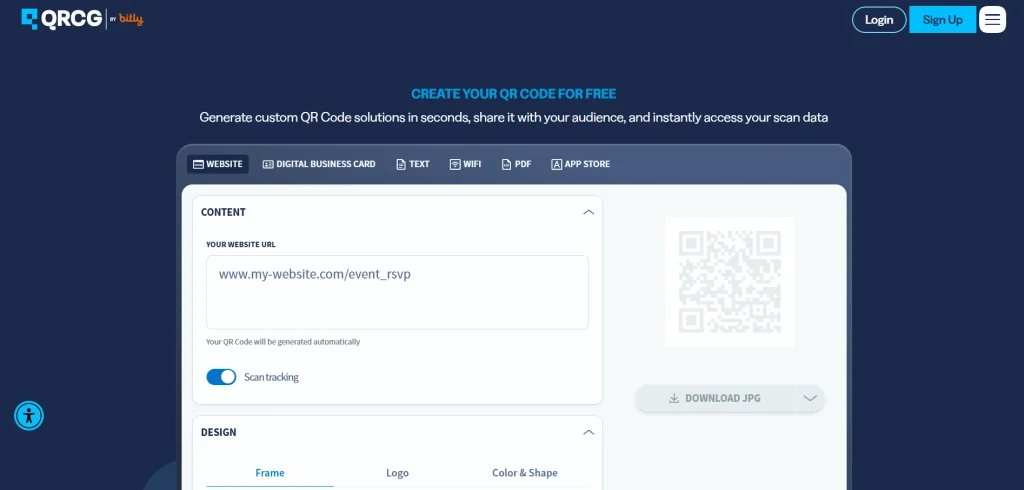
QR Code Generator PRO provides businesses with tools to create, customize, and manage QR codes for different communication and marketing requirements. It supports multiple content categories, including website URLs, contact information, documents, and digital business experiences.
Its dynamic QR functionality allows users to update destinations and monitor scanning activity without replacing existing printed codes. Businesses can also benefit from bulk creation, API access, and downloadable formats for different applications.
These capabilities make it suitable for organized marketing operations. However, its subscription structure and code allowances should be evaluated before large-scale implementation.
Key Features:
- Dynamic QR code creation and editing
- Multiple QR content type options
- Bulk generation through spreadsheet uploads
- Scan tracking and performance monitoring
- API access for application integration
- Customizable QR designs and branding
Pros:
- Supports multiple QR applications
- Useful bulk creation functionality
- Offers API integration capabilities
- Provides dynamic destination management
Cons:
- Paid subscription required for advanced features
- Free trial has limited duration
- Scan allowances vary across plans
Pricing:
- Starter– $5.00/month
- Advanced– $12.50/month
- Professional– $37.50/month
8. ME-QR
- Website: https://me-qr.com/
- Best For: Small businesses and individuals creating diverse QR codes with flexible tracking and content-sharing options.
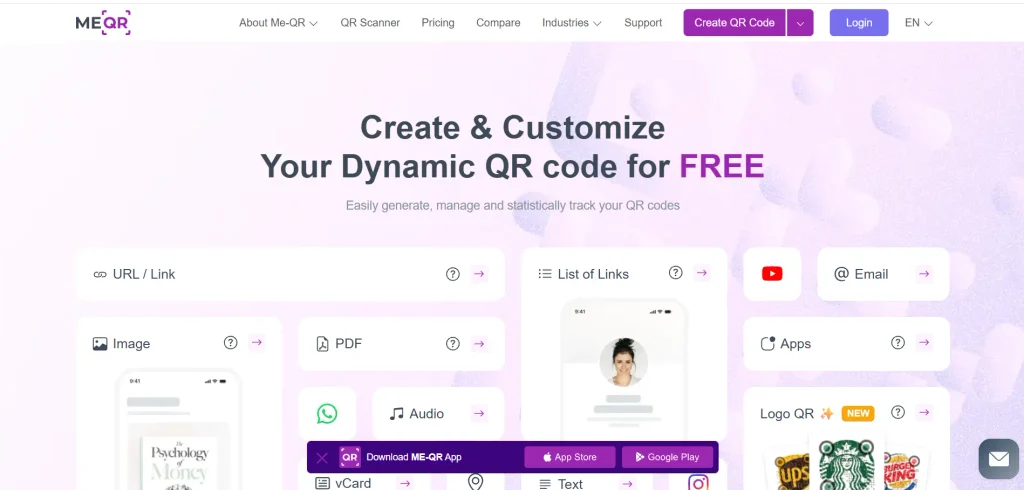
ME-QR is a QR code generation platform that supports different digital content-sharing and business communication requirements. Users can create codes for websites, social media, files, contact information, and other supported content types. As one of the versatile QR code generators, it makes it easy to create scannable codes for sharing information and connecting audiences with digital content.
Its platform offers dynamic QR functionality, customization options, and analytics for monitoring scan activity. Businesses can also organize their codes through folders and access additional management capabilities through paid subscriptions.
Its broad free offering makes it accessible to individuals and smaller organizations exploring QR-based engagement. However, advertisements, plan restrictions, and subscription dependencies should be considered before commercial deployment.
Key Features:
- Multiple QR code content categories
- Dynamic QR generation and tracking
- Customizable colors and code designs
- Scan analytics and reporting capabilities
- Folder-based QR code organization
- API integration and file storage
Pros:
- Broad range of QR categories
- Generous free creation allowance
- Useful tracking and analytics options
- Supports organized code management
Cons:
- Free codes may display advertisements
- Premium features require paid subscriptions
- Plan conditions require careful evaluation
Pricing:
- Lite– ₹934.51 / Month
- Premium– ₹1495.78 / Month
9. Canva
- Website: https://www.canva.com/
- Best For: Designers and small businesses incorporating QR codes into marketing graphics, presentations, and promotional materials.
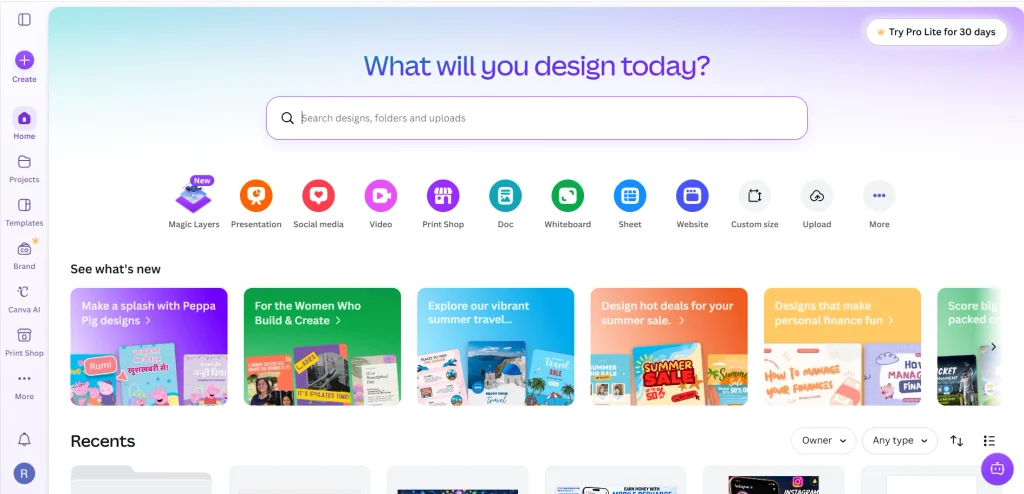
Canva combines QR code creation with a broader visual design environment, allowing businesses to incorporate scannable codes directly into promotional materials. Users can create designs for posters, flyers, business cards, menus, and social media campaigns while maintaining consistent branding.
Its accessible interface and extensive design templates make it suitable for users without technical expertise. Canva also offers QR-related functionality through its design tools and integrations. This approach simplifies the process of producing marketing assets and QR codes together.
However, businesses requiring advanced analytics, centralized QR management, or enterprise campaign controls may need specialized platforms.
Key Features:
- QR codes integrated into designs
- Extensive marketing design templates available
- Customizable promotional graphics and layouts
- Collaborative visual content editing tools
- Social media asset creation capabilities
- Multiple export formats for designs
Pros:
- Beginner-friendly visual design interface
- Combines graphics and QR creation
- Extensive ready-made design templates
- Convenient team collaboration functionality
Cons:
- Limited specialized QR analytics
- Advanced design assets require subscriptions
- Dynamic functionality depends on implementation
Pricing:
- Pro Lite- ₹199/month for one person
- Pro- ₹500/month for one person
- Business– ₹680/month per person
10. Adobe Express
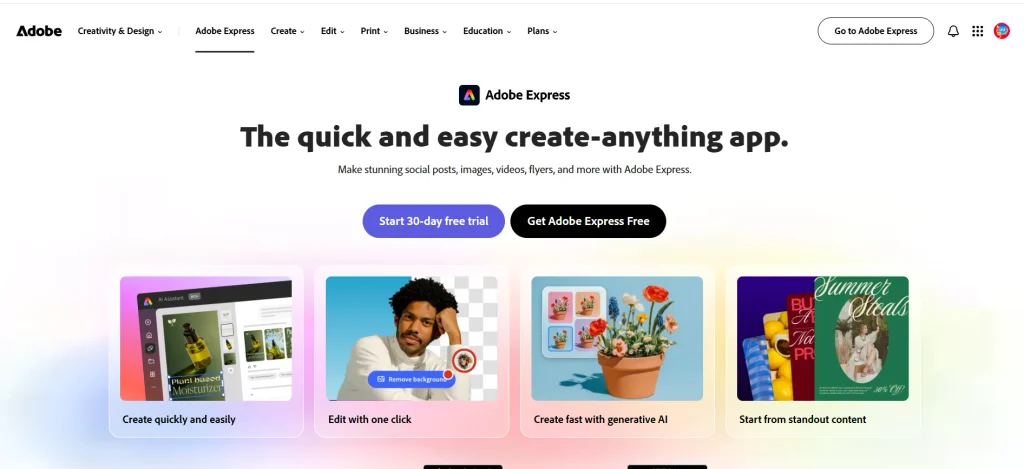
- Website: https://www.adobe.com/express/
- Best For: Individuals and businesses creating straightforward QR codes alongside branded promotional and marketing content.
Adobe Express offers an accessible QR code generator within its broader graphic design and content creation environment. Users can generate static QR codes by entering destination URLs and customize their appearance through available styling options.
The platform is particularly useful for creating QR codes that complement posters, advertisements, business cards, and social media graphics. Its integration with Adobe Express design tools helps maintain consistency across marketing materials without requiring separate design software.
However, it primarily serves basic QR generation needs rather than advanced campaign management. Businesses requiring editable destinations and detailed analytics may need dedicated QR platforms.
Key Features:
- Simple URL-based QR code generation
- Customizable QR code colors and styles
- Integration with graphic design workflows
- Promotional material and poster creation
- Downloadable QR code image files
- Ready-made marketing design templates
Pros:
- Straightforward QR creation process
- Convenient integration with design tools
- Suitable for basic business applications
- Accessible interface for beginners
Cons:
- Primarily supports static QR codes
- Limited advanced campaign tracking capabilities
- Fewer specialized QR management features
Pricing:
- Adobe Express Premium– ₹797.68/mo
How Businesses Can Use QR Codes To Improve Customer Engagement?
QR codes give businesses practical ways to turn everyday customer interactions into opportunities for engagement, information sharing, and conversions. Their effectiveness depends on how strategically they are incorporated into customer journeys.
- Interactive Product Information: Place QR codes on packaging to provide product specifications, usage instructions, demonstrations, and sustainability details, helping customers make informed purchasing decisions.
- Digital Loyalty Programmes: Connect QR codes with reward platforms, allowing customers to collect points, redeem offers, and access exclusive benefits without carrying physical membership cards.
- Personalized Marketing Campaigns: Direct customers towards targeted landing pages, promotional offers, and product recommendations based on campaign objectives and audience preferences.
- Simplified Customer Feedback: Link QR codes to feedback forms and surveys, encouraging customers to share experiences while helping businesses identify service gaps.
- Seamless Payment Experiences: Integrate QR-based payment options into checkout processes, reducing transaction friction and offering customers convenient alternatives to traditional payment methods.
- Social Media Engagement: Direct customers to business profiles, review platforms, and promotional content, encouraging social interactions, brand discovery, and online visibility.
- Self-Service Customer Support: Connect QR codes to FAQs, troubleshooting guides, and support portals, helping customers resolve common issues without waiting for assistance.
- Event-Based Engagement: Use QR codes at exhibitions, conferences, and retail events to share schedules, collect registrations, distribute resources, and generate potential business leads. Combining these activities with effective lead generation strategies can help businesses attract prospects and improve customer conversions.
Common QR Code Implementation Challenges And How To Overcome Them
Implementing QR codes across business operations can improve accessibility and customer engagement, but poor execution can undermine their effectiveness. Businesses must address technical, security, and usability challenges to achieve consistent results.
- Poor QR Code Placement: Codes placed in inconvenient or crowded locations receive fewer scans. Position them prominently at accessible heights with sufficient surrounding space.
- Low Scanning Reliability: Incorrect sizing, insufficient contrast, and damaged printing affect readability. Use high-resolution formats, maintain clear contrast, and test codes before distribution.
- Broken or Outdated Links: Expired destinations frustrate customers and damage credibility. Regularly audit links, use reliable hosting, and prioritize editable dynamic QR codes.
- Security and Privacy Risks: Malicious redirects and suspicious destinations expose customers to potential threats. Implement trusted URLs, secure platforms, and appropriate access controls.
- Limited Customer Awareness: Unfamiliar users may overlook QR codes or hesitate to scan them. Include clear instructions explaining their purpose and the benefits of scanning.
- Inconsistent Mobile Experiences: Poorly optimized landing pages discourage further interaction. Ensure destinations load quickly, display correctly across devices, and offer simple navigation.
- Insufficient Performance Tracking: Without measurable data, businesses struggle to evaluate campaign effectiveness. Monitor scan frequency, engagement patterns, conversion rates, and campaign-specific performance indicators.
- Unexpected Subscription Costs: Dynamic codes, analytics, and advanced features may require ongoing payments. Compare pricing structures, scan limits, renewal conditions, and cancellation policies before selecting providers.
Conclusion
QR code generators have evolved from simple scanning tools into valuable business assets that connect physical interactions with digital opportunities. Whether supporting marketing campaigns, simplifying payments, sharing product information, or improving customer experiences, the right platform can deliver measurable operational advantages. However, businesses should look beyond attractive designs and free subscriptions when evaluating available solutions.
Dynamic capabilities, analytical insights, security controls, integration options, and long-term pricing deserve equal consideration. While basic generators serve straightforward requirements, growing organizations may benefit from comprehensive management platforms. Ultimately, successful QR code implementation depends less on generating codes and more on creating meaningful experiences. Businesses that prioritize accessibility, reliability, and customer value will gain the greatest advantage from this technology.
FAQs
1. What Is A QR Code Generator?
A tool that creates scannable codes linking users to digital information, websites, or services.
2. Is QR Code Generator Free?
Many offer free static QR codes, while advanced features often require paid subscriptions.
3. What Is The Difference Between Static And Dynamic QR Codes?
Static codes have fixed destinations, whereas dynamic codes allow destination changes and performance tracking.
4. Are QR Codes Suitable For Small Businesses?
Yes. They simplify payments, customer communication, promotions, and product information sharing.
5. Can Businesses Track QR Code Scans?
Yes. Platforms with analytics features can monitor scan activity, locations, devices, and engagement.
6. What Should Businesses Consider Before Choosing A QR Code Generator?
Evaluate customization, security, dynamic functionality, analytics, integrations, pricing, and subscription restrictions.