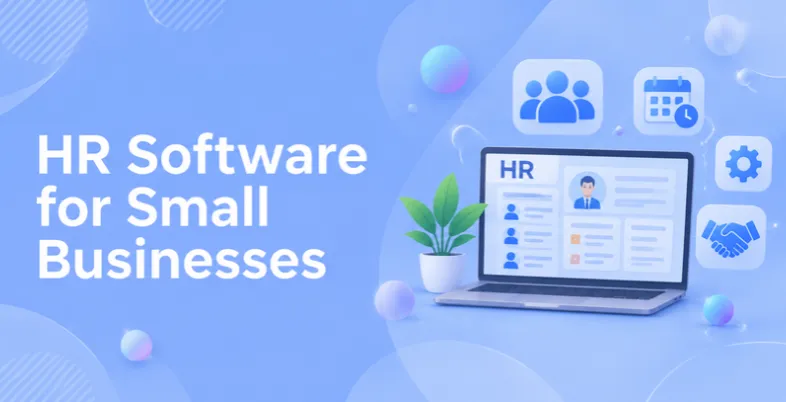
Managing employees becomes more demanding as a small business grows. What starts with a simple spreadsheet for attendance or salary records can quickly turn into a time-consuming process involving leave requests, payroll calculations, employee documents and hiring formalities. When these tasks are handled manually, even a small mistake can lead to incorrect salary calculations, missing records or delays in routine HR activities.
The right HR software can bring these responsibilities together and help business owners manage their workforce with better control. However, not every platform offers the same capabilities. Some focus on Indian payroll and statutory compliance, while others specialise in global hiring, employee management or workforce scheduling. This guide compares 10 HR software for small businesses in 2026, including their key features, advantages, limitations and pricing, so you can choose a platform that fits your team’s actual requirements.
What Is HR Software?
HR software is a digital system that helps businesses manage employee-related activities from a central platform. It can be used to maintain employee profiles, process payroll, track attendance, manage leave requests and organise recruitment. Instead of switching between spreadsheets, emails and separate documents, businesses can keep important workforce information in one place.
Depending on the platform, HR software may also include performance management, employee self-service, shift scheduling, expense management and reporting. These tools help reduce repetitive administrative work and make employee information easier to access as a business expands.
Why Do Small Businesses Need HR Software?
1. Reduce Manual HR Work
When the same person handles hiring, employee records, attendance and payroll, routine administration can take up a large part of the working day. HR software automates repetitive tasks such as updating employee details, processing leave requests and maintaining documents. This gives business owners and HR teams more time to focus on employees and business operations.
2. Manage Employee Attendance and Leave
Tracking working hours through registers or spreadsheets can lead to missed entries, incorrect leave balances and confusion over overtime. HR software keeps attendance and leave information organised, making it easier to review employee availability and approve requests. It also helps businesses maintain more reliable records for monthly payroll.
3. Simplify Payroll Processing
Calculating salaries manually becomes difficult when attendance, overtime, deductions, reimbursements and statutory contributions are involved. Payroll software brings these details together to help businesses prepare salary calculations and payslips more accurately. It can also reduce last-minute corrections caused by missing or inconsistent employee information.
4. Keep Employee Records Organised
Employee documents are often scattered across email accounts, folders and spreadsheets, making important information difficult to find when needed. A central HR system stores employee profiles, joining details, documents and job information in one place. Authorised users can access updated records without repeatedly asking employees or searching through multiple files.
5. Make Hiring and Onboarding Easier
Recruitment involves more than posting a job opening. Businesses also need to review applications, schedule interviews, communicate with candidates and collect joining documents. HR software with recruitment and onboarding tools helps organise these steps, reducing the chances of losing candidate information or missing important joining formalities.
6. Track Employee Performance
Without a structured review process, managers may find it difficult to evaluate employee progress or identify areas that need improvement. Performance management features help record goals, feedback and review outcomes in an organised way. This gives managers a clearer picture of employee contributions and makes performance discussions more consistent.
What to Consider Before Choosing the Right HR Software
1. Employee Management Features
Start by checking whether the software can maintain employee profiles, contact details, job roles, departments and employment documents. If these records are incomplete or spread across different systems, updating employee information can become a recurring problem. A central employee database helps keep essential details organised.
2. Payroll and Tax Management
Payroll requirements depend on the country where your employees are based. Indian businesses should check support for PF, ESI, Professional Tax, TDS and salary components, while international businesses need to review local payroll and tax coverage. Choosing software without the required compliance support can create additional manual work.
3. Attendance and Leave Tracking
Consider how your employees record their working hours before selecting an attendance system. Office teams may need biometric attendance and leave approvals, while field employees may require mobile check-ins or GPS-based tracking. The right option should match your actual work arrangements rather than offering features your team will rarely use.
4. Recruitment and Onboarding
If your business hires regularly, look for applicant tracking, interview scheduling, offer management and onboarding workflows. Managing these activities through separate emails can make it difficult to track candidate progress or collect documents on time. Integrated recruitment tools can help keep the hiring process organised.
5. Employee Self-Service
An employee self-service portal allows staff to view payslips, check leave balances, update personal details and submit requests themselves. Without this option, HR teams may spend time responding to the same routine questions. Check whether the portal is available on both desktop and mobile if employees need access while working remotely or in the field.
6. Reporting and Analytics
Reports can help business owners understand attendance patterns, payroll expenses, leave usage and workforce changes. Without reliable reports, it may take considerable time to collect information from different records before making a decision. Check whether the software offers useful standard reports or allows you to create custom ones.
7. Pricing and Scalability
A low starting price does not always mean a low overall cost. Employee limits, additional-user charges, billing frequency and paid add-ons can increase the subscription amount as your team grows. Compare the actual plan you need and check whether its features and employee capacity will remain suitable in the coming months.
8. Ease of Use and Customer Support
A complicated system can create more work instead of reducing it, particularly when employees and managers are not comfortable using it. Review the dashboard, mobile app, onboarding assistance and available support channels before subscribing. A platform should be simple enough for employees to use without repeatedly depending on an administrator.
Comparison Table Of The Best HR Software For Small Businesses
| HR Software | Main Purpose | Standout Capabilities | Best For | Starting Price |
| Deel | Global hiring and workforce management | Contractor management, EOR services and international onboarding | Businesses hiring employees or contractors across countries | $14/worker/month (Talent Acquisition) |
| greytHR | Indian HRMS and payroll | Payroll processing, statutory calculations, attendance and leave | Indian businesses managing regular HR and payroll activities | ₹2,495/month |
| HROne | Employee lifecycle management | Recruitment, core HR, attendance, payroll and performance | Businesses managing multiple HR processes | ₹4,950/month |
| factoHR | HRMS and employee administration | Employee records, payroll, attendance and onboarding | Small businesses looking for a free entry-level option | Free for up to 20 employees |
| Zimyo | Integrated HR and payroll | Employee management, payroll, engagement and performance | Businesses needing connected HR modules | ₹80/user/month |
| Kredily | HRMS and payroll automation | Employee self-service, statutory calculations and attendance | Small businesses starting with basic HR and payroll | Free Forever |
| Pocket HRMS | HR and payroll automation | Payroll, attendance, leave, recruitment and employee self-service | Businesses managing recurring HR operations | ₹2,995/month |
| BambooHR | Employee information and HR administration | Employee records, hiring, onboarding and reporting | Small businesses looking for an employee-focused HR system | $10/employee/month |
| Gusto | US payroll and benefits management | Payroll, tax filing, benefits and time tracking | US-based small businesses | $49/month + $6/person |
| Connecteam | Workforce operations and time tracking | Time clock, job scheduling, digital forms and tasks | Small teams with shift-based or field employees | $29/month |
List Of 10 Best HR Software for Small Businesses In 2026
1. Deel – Best for Global Hiring and Workforce Management
- Official Website: https://www.deel.com/
- Best For: Businesses hiring international employees and contractors.
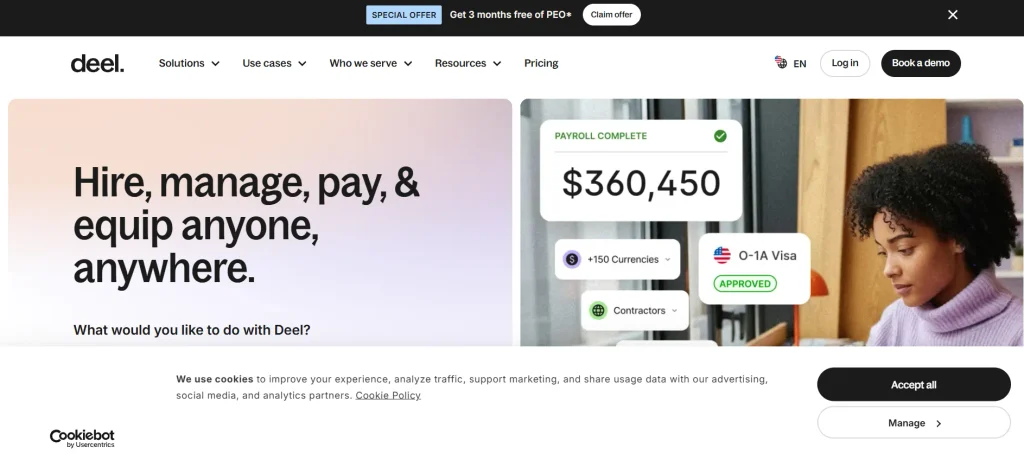
Hiring across countries can involve different employment arrangements, payment processes and local compliance requirements. Deel is designed to help businesses manage international employees and contractors through services such as Employer of Record (EOR), contractor management and global workforce administration. It supports onboarding, worker information and payments across international teams. Its EOR service is particularly useful when a business wants to hire employees in another country without establishing its own local legal entity. Unlike a traditional domestic HRMS, Deel focuses more on global employment and workforce management.
Key Features
- Global employee and contractor management.
- Employer of Record (EOR) hiring services.
- Contractor payments and invoicing.
- Automated onboarding and compliance workflows.
Pros
- Supports hiring across multiple countries.
- Offers contractor and employee management services.
- Helps organise international onboarding.
- Provides different workforce solutions under one platform.
Cons
- Not primarily designed for domestic Indian payroll management.
- Different services have separate pricing structures.
- EOR services can be expensive for small teams.
- Businesses without international hiring needs may not require its specialised capabilities.
Pricing
- Talent Acquisition: Starts at $14/worker/month.
- Contractor Management: Starts at $49/contractor/month.
- Contractor of Record: Starts at $325/contractor/month.
- US PEO: Starts at $125/employee/month.
- Employer of Record (EOR): Starts at $599/employee/month.
2. greytHR – Best for HR and Payroll Management
- Official Website: https://www.greythr.com/
- Best For: Indian small and growing businesses managing payroll, attendance and employee records.
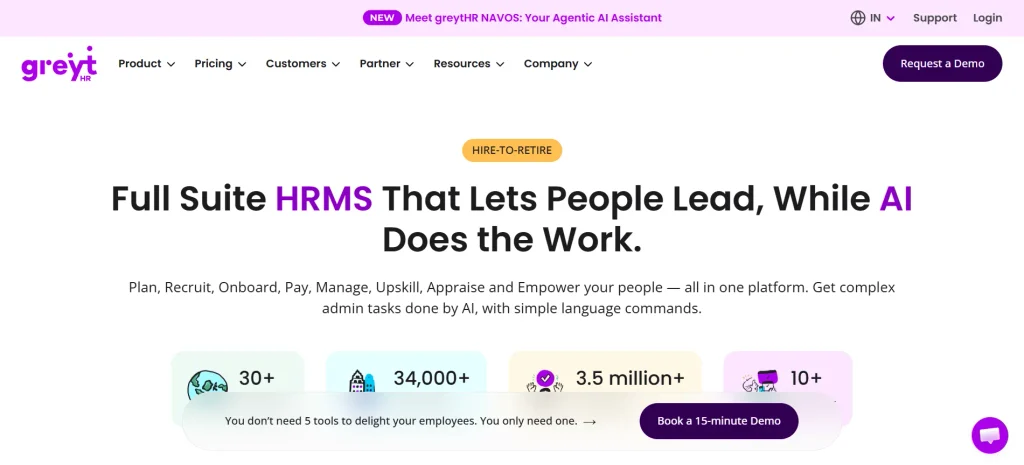
For businesses that process salaries every month, keeping attendance, leave and employee information connected is essential. greytHR is an Indian HRMS platform that brings these activities together with payroll processing and employee administration. It is one of the useful options for HR software for small businesses that need to manage regular payroll and employee records. Attendance and leave records can support salary calculations, reducing the need to reconcile information from separate spreadsheets. Employees can access payslips, leave balances and other details through self-service options. Its focus on Indian payroll and HR requirements makes it relevant for businesses that want to organise recurring workforce administration.
Key Features
- Automated payroll processing and statutory calculations.
- Employee database and document management.
- Attendance and leave management.
- Employee self-service portal and mobile app.
Pros
- Designed with Indian payroll requirements in mind.
- Connects attendance and leave data with payroll.
- Provides employee self-service features.
- Covers several everyday HR activities in one platform.
Cons
- Advanced features may require higher-tier plans.
- Initial configuration can take time.
- Businesses with complex requirements may need additional modules.
- Users may need training to understand all available features.
Pricing
- Essential: ₹2,495/month for 50 employees.
- Growth: ₹4,495/month for 50 employees.
- Premium: Custom pricing.
- Additional employee charges: ₹45/month for Essential and ₹85/month for Growth.
3. HROne – Best for Employee Lifecycle Management
- Official Website: https://hrone.tech/
- Best For: Businesses managing recruitment, employee administration, attendance and performance.
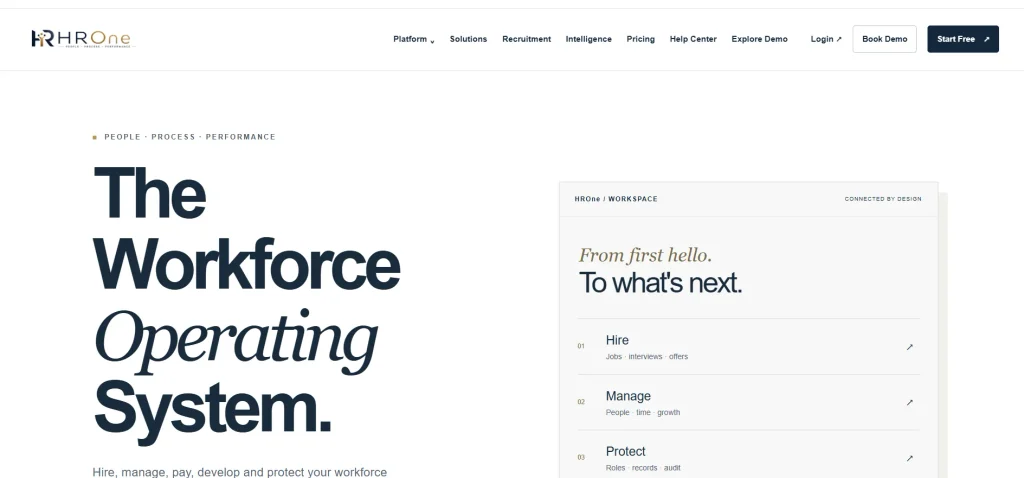
When recruitment, onboarding, attendance and performance are handled through separate tools, HR teams can lose track of employee information as it moves between processes. HROne connects several stages of employee management through a shared platform. It includes recruitment, core HR, attendance, leave, payroll and performance-related capabilities. Businesses can use its workflows to organise employee information and coordinate routine HR activities. This makes HROne worth considering when a company needs broader employee lifecycle management rather than only a payroll tool.
Key Features
- Core HR and employee record management.
- Recruitment and applicant tracking.
- Attendance, shift and leave management.
- Payroll and performance management.
Pros
- Covers multiple stages of the employee lifecycle.
- Includes recruitment and performance modules.
- Connects employee information with HR workflows.
- Offers features for both employees and administrators.
Cons
- The number of modules may feel extensive for very small teams.
- Advanced features may require higher-priced plans.
- Businesses should check which modules are included in their selected package.
- Setup and configuration may require initial assistance.
Pricing
- Basic: ₹4,950/month for 50 users.
- Professional: ₹6,500/month for 50 users.
- Enterprise: Custom pricing.
- Additional user charges: ₹99/month for Basic and ₹130/month for Professional.
4. factoHR – Best for Growing Businesses
- Official Website: https://factohr.com/
- Best For: Small and medium-sized businesses managing employee information, payroll and attendance.
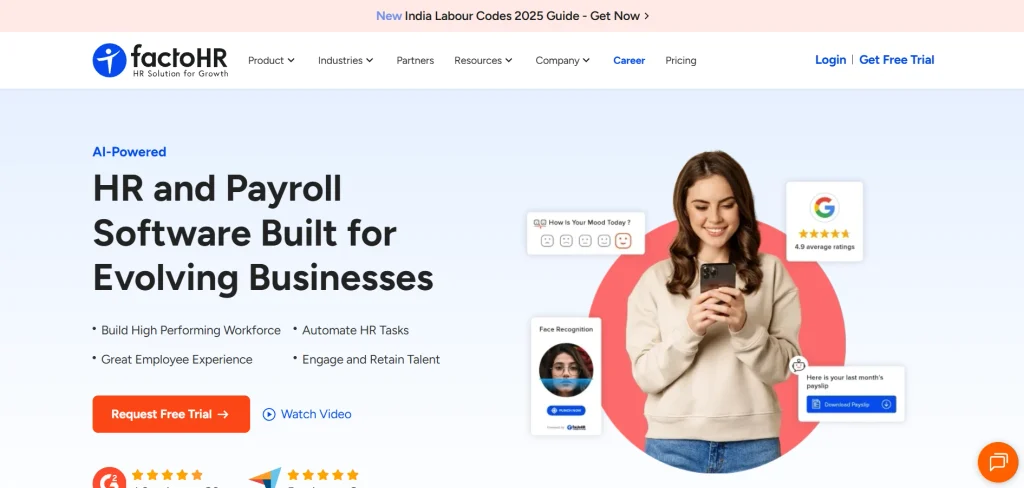
A small business may not need an extensive HR platform immediately, but it still needs a reliable way to manage employee details, attendance and salary records. factoHR offers these core HRMS functions along with onboarding, leave and performance management capabilities. Its platform helps businesses organise employee information and connect attendance data with payroll activities. The availability of a free plan for up to 20 employees gives smaller teams an entry point before moving to a paid subscription. As requirements expand, businesses can compare its higher plans for additional functionality.
Key Features
- Employee information and onboarding management.
- Payroll processing and salary administration.
- Attendance and leave tracking.
- Performance management and employee self-service.
Pros
- Offers a free plan for small teams.
- Covers several core HR functions.
- Provides different plans for growing requirements.
- Includes employee management and attendance features.
Cons
- Advanced capabilities are available in higher plans.
- Additional employees increase subscription costs.
- Businesses should compare plan limits before purchasing.
- Some organisations may need time to configure their HR workflows.
Pricing
- Free: ₹0 for up to 20 employees.
- Core: ₹4,999/month for up to 50 employees.
- Premium: ₹5,999/month for up to 50 employees.
- Ultimate: ₹6,999/month for up to 50 employees.
- Additional employee charges: ₹99/month for Core, ₹119/month for Premium and ₹139/month for Ultimate.
- Paid plans are billed quarterly.
Also read:
- Lead Generation Strategies
- Tools for Sales Automation
- Client Reporting Tools
- Shopping Cart Abandonment Software
5. Zimyo – Best for Integrated HR Management
- Official Website: https://www.zimyo.com/
- Best For: Businesses looking for connected HR, payroll, engagement and performance tools.
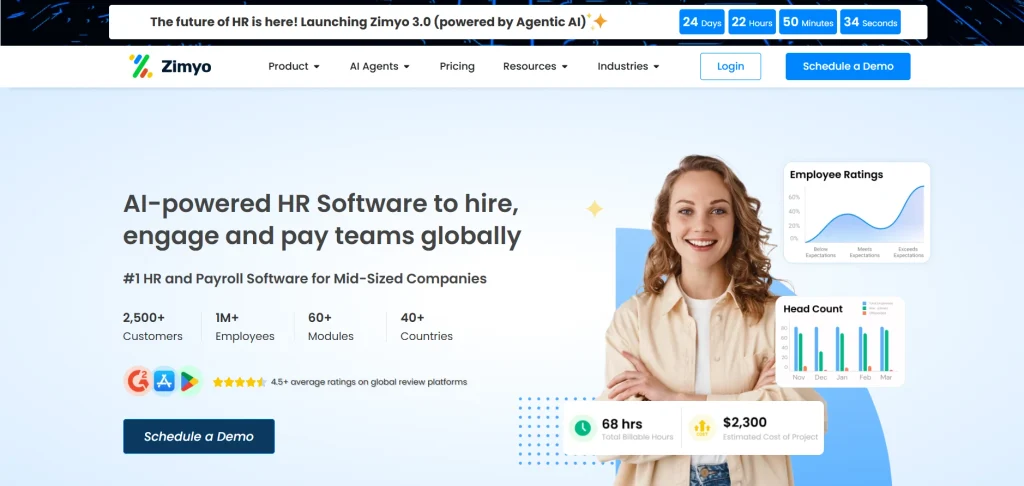
When employee records, payroll and engagement activities are managed separately, HR teams may struggle to maintain a consistent view of the workforce. Zimyo brings these functions together through modules for employee management, payroll, attendance and engagement. It is a suitable option for HR software for small businesses looking to manage multiple HR activities from a single platform. It supports employee onboarding and offboarding, document management and self-service access. Its payroll capabilities include Indian statutory calculations, while higher plans offer additional tools for performance reviews and employee engagement. Businesses should consider its minimum billing requirement when estimating the total subscription cost.
Key Features
- Employee records and document management.
- Payroll processing and statutory calculations.
- Attendance, shifts and leave management.
- Performance reviews, goals and employee engagement.
Pros
- Combines several HR modules in one platform.
- Includes payroll and employee management features.
- Offers employee self-service through mobile apps.
- Provides different pricing tiers for varying requirements.
Cons
- Minimum billing applies to 50 users.
- Advanced modules require higher-tier plans.
- Smaller teams may pay for more user seats than they need.
- Businesses should review module availability before selecting a plan.
Pricing
- Basic: ₹80/user/month.
- Standard: ₹160/user/month.
- Enterprise: ₹240/user/month.
- Minimum billing: 50 users.
6. Kredily – Best Budget-Friendly HR Software
- Official Website: https://kredily.com/
- Best For: Small businesses looking for HRMS, payroll and attendance features with a free starting plan.
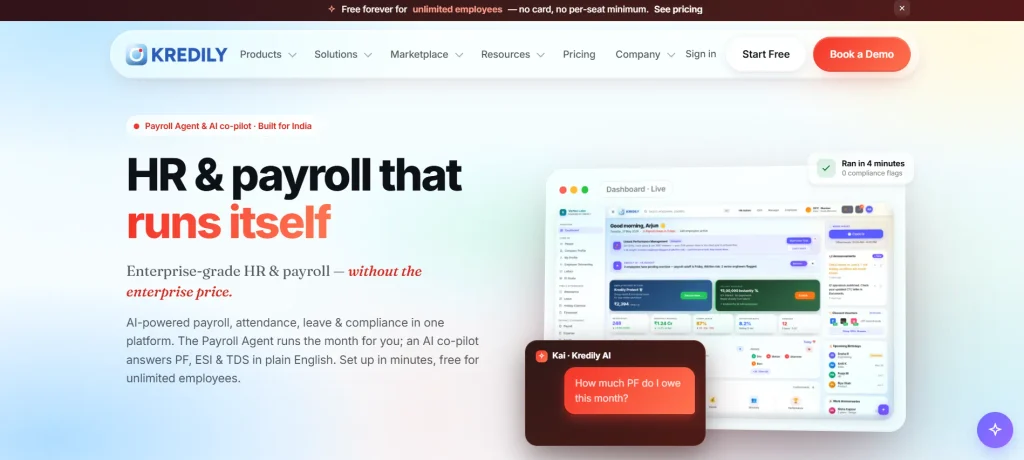
For a business moving away from spreadsheets, the first priority may be organising employee records and payroll without adding another fixed monthly expense. Kredily offers a Free Forever plan along with paid options for businesses that need additional automation. Its platform supports employee information, attendance, leave and payroll activities, including Indian statutory calculations. Paid plans add capabilities such as salary payouts, payroll reports, advanced attendance rules and expense workflows. This makes it an option for small teams that want to begin with basic HR management and expand their usage over time.
Key Features
- Employee database and self-service portal.
- Payroll processing with PF, ESI, PT and TDS calculations.
- Attendance and leave management.
- Salary payouts, reports and expense workflows in paid plans.
Pros
- Offers a free plan for businesses getting started.
- Includes essential HR and payroll functions.
- Supports Indian statutory payroll calculations.
- Paid plans add more automation and attendance controls.
Cons
- Advanced attendance options are not included in every plan.
- Salary payout and reporting features require a paid plan.
- Data storage limits apply to lower plans.
- Businesses with complex requirements may need Enterprise features.
Pricing
- Free Forever: ₹0/month.
- Payroll OS: ₹1,249/month for up to 25 employees.
- Professional: ₹1,749/month for up to 25 employees.
- Enterprise: Custom pricing.
- Additional employee charges: ₹50/month for Payroll OS and ₹70/month for Professional.
7. Pocket HRMS – Best for HR and Payroll Automation
- Official Website: https://www.pockethrms.com/
- Best For: Businesses managing payroll, attendance, recruitment and employee administration.
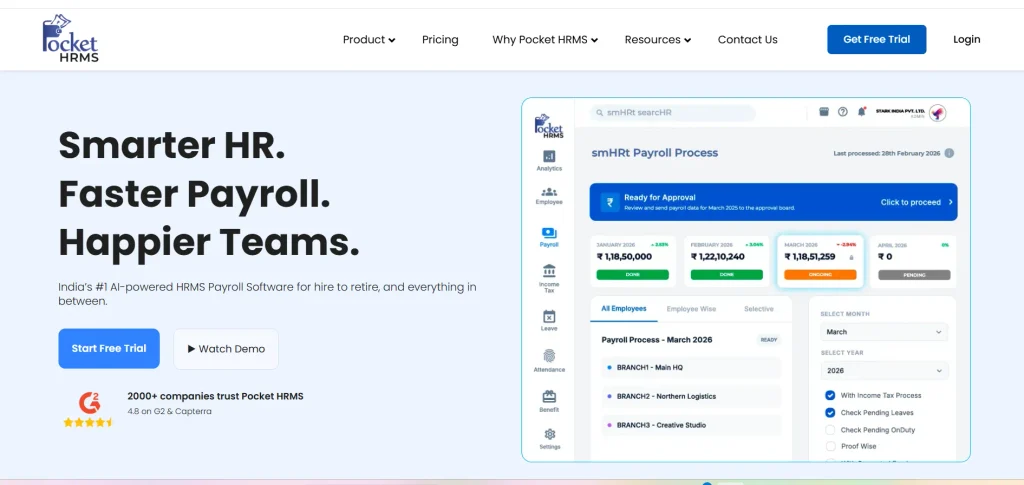
Businesses handling regular hiring and monthly payroll often need more than a basic employee database. Pocket HRMS provides modules for payroll processing, attendance, leave, recruitment and performance management. Its employee self-service portal allows staff to access payslips, attendance details and leave information without depending on HR for every update. The platform also offers mobile and attendance-related options, including GPS and biometric attendance features. Its range of HR modules can help organisations coordinate recurring employee administration through a central system.
Key Features
- Payroll processing and salary management.
- Attendance, leave and shift management.
- Recruitment and employee onboarding.
- Employee self-service and performance management.
Pros
- Offers a wide range of HR modules.
- Includes payroll and attendance management.
- Provides employee self-service options.
- Supports recruitment and performance-related activities.
Cons
- Pricing may be higher for businesses with limited HR requirements.
- Advanced modules may require additional configuration.
- Businesses should confirm which features are included in each plan.
- The full range of modules may be unnecessary for very small teams.
Pricing
- Standard: ₹2,995/month for 50 employees.
- Professional: ₹4,495/month for 50 employees.
- Premium: Custom pricing for 100+ employees.
- Additional employee charges: ₹60/month for Standard and ₹90/month for Professional.
- Paid plans are billed annually.
8. BambooHR – Best for Employee Experience and HR Administration

- Official Website: https://www.bamboohr.com/
- Best For: Small businesses looking for employee information, hiring and HR administration tools.
Keeping employee information updated becomes difficult when hiring records, job details and documents are maintained in different places. BambooHR focuses on bringing these details into a central employee information system. It is a useful choice for HR software for small businesses that prioritise employee management and organised HR administration. Its platform supports recruitment, onboarding, time-off management and HR reporting, helping businesses coordinate important employee-related activities. Managers can use the system to access workforce information and organise administrative workflows as the team grows. It is more suitable for businesses looking for an employee-focused HR information system than those specifically seeking Indian statutory payroll software.
Key Features
- Centralised employee records and document management.
- Applicant tracking and hiring workflows.
- Employee onboarding and offboarding.
- Time-off management and HR reporting.
Pros
- Provides a centralised employee information system.
- Includes recruitment and onboarding tools.
- Helps organise employee records and HR workflows.
- Offers reporting capabilities for workforce information.
Cons
- Pricing is charged per employee.
- Payroll and benefits availability can depend on the market.
- Not designed specifically for Indian statutory payroll.
- Businesses should check plan inclusions and integrations before subscribing.
Pricing
- Core: $10/employee/month.
- Pro: $17/employee/month.
- Elite: $25/employee/month.
9. Gusto – Best for Payroll and Benefits Management
- Official Website: https://gusto.com/
- Best For: US-based small businesses managing payroll, employee benefits and HR administration.
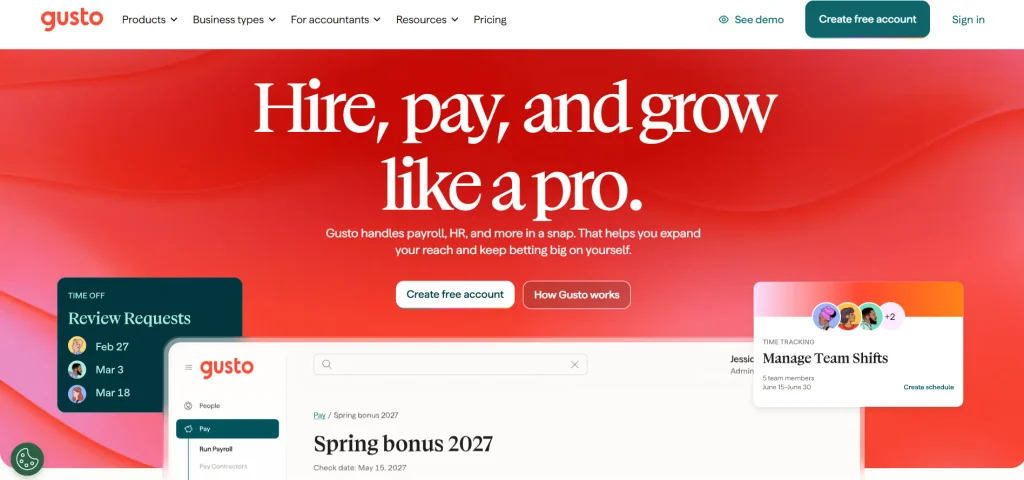
For US-based businesses, payroll also involves tax filing, employee benefits and other administrative responsibilities. Gusto combines these activities in a platform designed around payroll and HR management for the US market. Employers can use it to process salaries, manage tax-related tasks, organise onboarding and administer employee benefits. Its additional tools include time tracking and paid time-off management, depending on the plan. Because its services are designed primarily for the US, businesses in India should not treat it as a replacement for local payroll and statutory compliance software.
Key Features
- Payroll processing and tax filing.
- Employee onboarding and document management.
- Benefits administration.
- Time tracking and paid time-off management.
Pros
- Combines payroll and HR administration.
- Supports employee benefits management.
- Includes onboarding and time-tracking features.
- Offers different plans for growing businesses.
Cons
- Primarily designed for the US market.
- Per-person charges increase as the team grows.
- Some advanced features are limited to higher plans.
- Not suitable for Indian statutory payroll requirements.
Pricing
- Simple: $49/month + $6/person/month.
- Plus: $80/month + $12/person/month.
- Premium: $180/month + $22/person/month.
10. Connecteam – Best for Workforce Scheduling and Time Tracking
- Official Website: https://connecteam.com/
- Best For: Small teams managing employee schedules, working hours and daily operations.
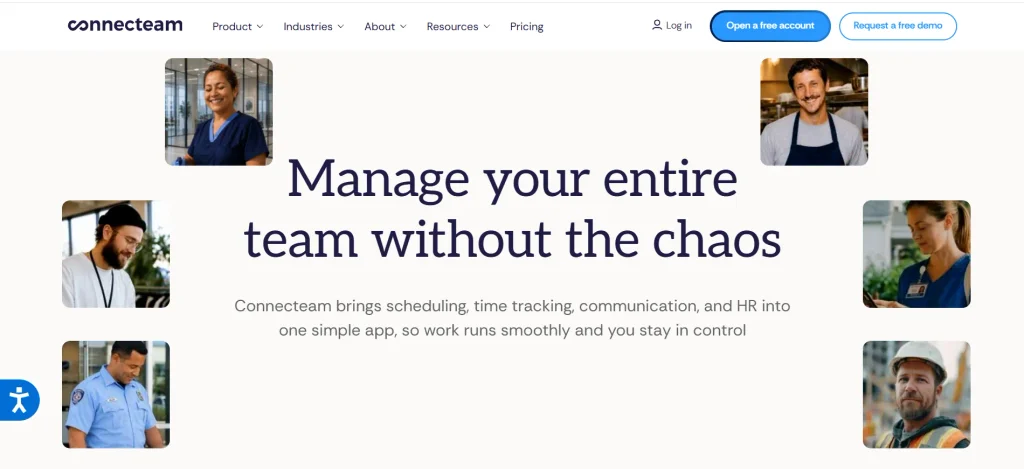
Businesses with field staff or shift-based employees often need better visibility into who is working, where they are assigned and how many hours they have completed. Connecteam’s Operations Hub focuses on these everyday workforce requirements through tools for time tracking, job scheduling, digital forms and tasks. Employees can clock in and out using mobile devices or desktop, while managers can organise shifts and review working hours. It is useful for operational coordination, but its Operations Hub should not be mistaken for a complete payroll-focused HRMS.
Key Features
- Employee time clock and work-hour tracking.
- Job scheduling and shift management.
- Digital forms and quick task management.
- Mobile and desktop access for employees.
Pros
- Useful for teams working in shifts or different locations.
- Combines scheduling and time tracking.
- Supports mobile clock-in and clock-out.
- Helps managers coordinate daily operational tasks.
Cons
- The listed pricing is for the Operations Hub.
- It is not a complete replacement for every HRMS function.
- Businesses may need other tools for payroll and statutory compliance.
- Advanced features and additional users increase the cost.
Pricing
- Basic: $29/month for the first 30 users.
- Advanced: $49/month for the first 30 users.
- Expert: $99/month for the first 30 users.
- Enterprise: Custom pricing.
- Additional user charges: $0.80/month for Basic, $2.50/month for Advanced and $4.20/month for Expert.
How To Choose The Right HR Software For Your Small Business?
1. For Startups and Small Teams
Startups with a small workforce usually need employee records, leave tracking, attendance and basic payroll management first. Kredily and factoHR offer free plans that can help businesses begin organising these activities. Check the employee limits and included features before moving your existing records into the system.
2. For Payroll and Compliance Management
Businesses processing monthly salaries need software that handles salary components, deductions, payslips and applicable statutory calculations. Indian businesses can compare greytHR, factoHR, Zimyo and Pocket HRMS based on their payroll requirements. Confirm the relevant compliance features and additional charges before selecting a subscription.
3. For Employee Attendance and Leave Tracking
If employees work in different shifts, locations or field environments, attendance features should be a major selection criterion. Connecteam offers time clocks and job scheduling, while Indian HRMS platforms such as HROne and Pocket HRMS provide attendance and leave management options. Choose according to whether you need basic attendance records, GPS-based check-ins or shift controls.
4. For Businesses Hiring International Employees
Companies hiring contractors or employees across different countries need to consider international payments, employment arrangements and local compliance. Deel offers contractor management and Employer of Record services for this purpose. Its pricing is service-based, so compare the relevant hiring option rather than treating all its plans as standard HRMS subscriptions.
5. For Growing Businesses
A growing company may need more than employee records and payroll. Recruitment, onboarding, performance reviews, expense management and workforce reporting can become important as departments and management levels expand. HROne, Zimyo and BambooHR offer different combinations of these capabilities, so compare their modules with your expected hiring and management needs.
6. According to Your Budget
Compare the complete subscription cost rather than looking only at the starting price. Employee limits, additional-user charges, billing frequency and paid add-ons can change the total amount. If you are testing HR software for the first time, a free plan may be enough; if payroll automation or advanced reporting is essential, a paid plan may offer better value.
Final Verdict
For small businesses in India, payroll compliance is an important factor when choosing the right HR software for small businesses. greytHR, factoHR, HROne, Zimyo, Kredily and Pocket HRMS offer different combinations of payroll, attendance and employee management features. If you have a limited budget, factoHR offers a free plan for up to 20 employees, while Kredily provides a free forever plan.
The other platforms serve more specialised needs. BambooHR focuses on employee management, Deel on international hiring, Gusto on US payroll and benefits, and Connecteam on workforce scheduling. Before subscribing, compare the features included in each plan, employee limits and additional charges. Indian businesses should also confirm support for PF, ESI, Professional Tax and TDS.
Frequently Asked Questions
1. What Is The Best HR Software For Small Business?
The right option depends on your location and HR requirements. Indian businesses can compare greytHR, factoHR, Kredily and Zimyo for payroll and HR management, while BambooHR is an option for employee administration.
2. Is There Any Free HR Software For Small Business?
Yes. Kredily offers a Free Forever plan, and factoHR provides a free plan for up to 20 employees. Check the included features and usage limits before choosing either option.
3. What Features Should Small Businesses Look For In HR Software?
Look for employee records, payroll, attendance, leave management and employee self-service. Recruitment, performance management and reporting tools can become more useful as your team expands.
4. Can HR Software Manage Payroll And Employee Attendance?
Yes. Many HR platforms connect attendance, leave and salary information to support payroll processing. The available payroll and attendance features depend on the software and subscription plan.
5. How Much Does HR Software Cost For A Small Business?
Pricing varies by employee count, features and billing model. The options in this comparison range from free plans to paid subscriptions with fixed monthly or per-user charges.
6. Is HR Software Suitable For Businesses With Fewer Than 20 Employees?
Yes. Small teams can use HR software to maintain employee records, track leave and organise payroll from the beginning. A free or entry-level plan may be sufficient for their current requirements.